Discovering RF coverage areas with Raster-point intersects in QGIS from .png kml files. [google earth, radio mobile VE2DBE]

*More images and details on this later after some sanitization.

TLDR: Find out if a house is within a new RF coverage area with high resolution, for free.

Most open-source tools don’t have clear integration solutions baked in from one software to another. This is especially true in RF research. When trying to explore a new area, a common path is first uploading known tower and antenna data into Radio Mobile [VE2DBE] to obtain propagation data. This gives the first problem, a .png file. Next, this file can be uploaded into Google Earth (more common due to easy jump in use) or QGIS, which is hopefully correctly mapped. Then finally performing intersection analysis can be automated in QGIS, but this is where the problem with the .png comes in.

A .png file in QGIS is not a true raster and therefore spits out a bunch of odd values, so you have to perform some tricks during analysis to get the results you actually need. Below are some rough steps until I can make a more pretty guide on how to go about this.

drag and drop KML (cannot import kmz to QGIS) into QGIS window

Go to Layer > processing toolbox

>> sample raster > single or batch process > input centroids (points) to check > rf layer (your .png raster file) to check against > output column [r0] for finding centroid overlap > run 

This is the point where we have to do some weird tricky stuff. Let me know if you have any issues with this.

>> select new point file > open attribute table > enable edit > select features by value tool, use r0=0 > invert selection (this captures nulls) > delete 

>> copy and paste remaining points to the preferred file, if doing multiple rasters

If running separate layers, you will need to cut and paste points from each section, then eliminate duplicate lat long, unless you added another identity column beforehand.

Algorithm fodder. png to raster in qgis, find points in a png image in qgis, find intersects with a image in qgis
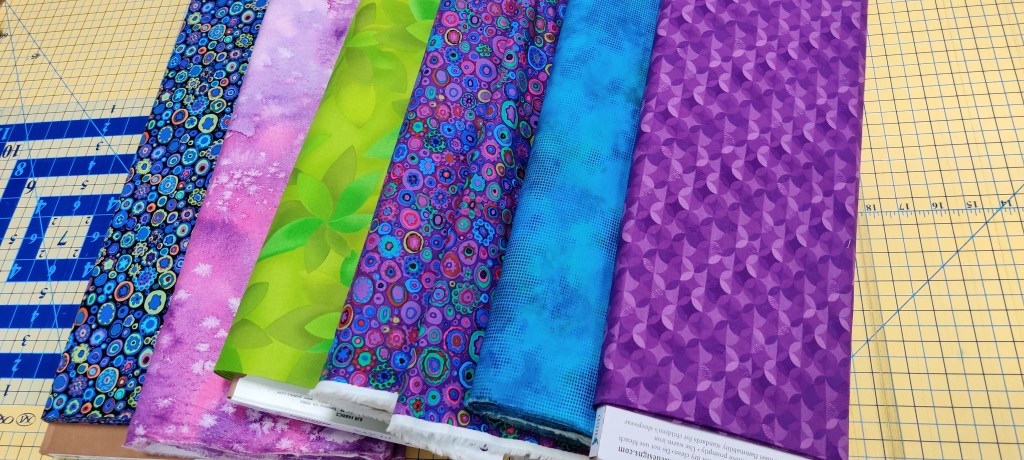
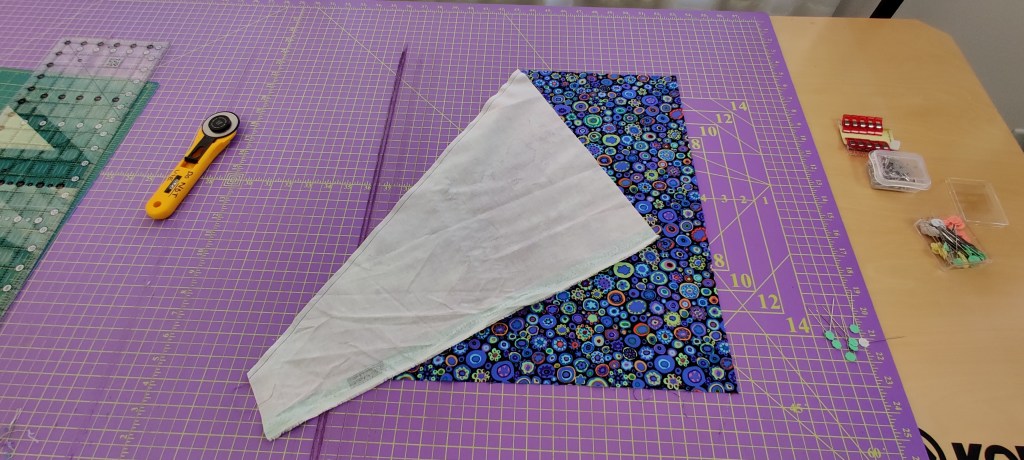
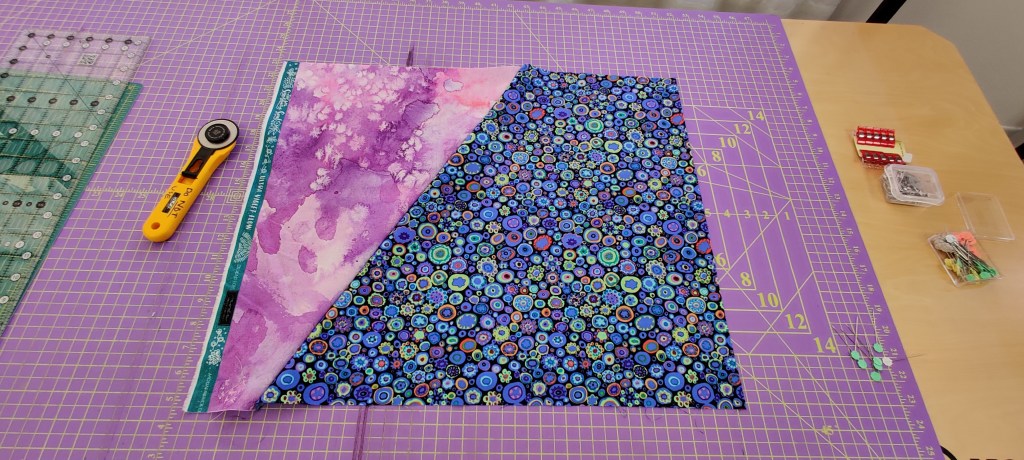
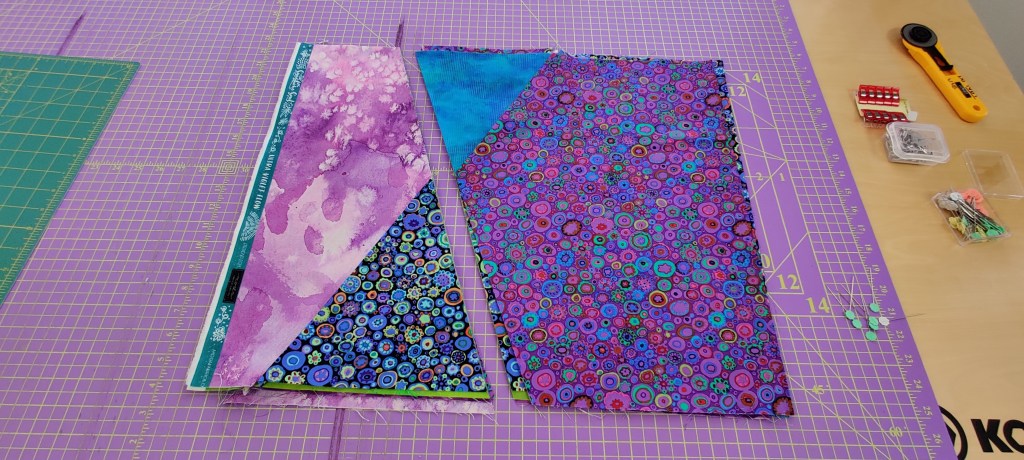
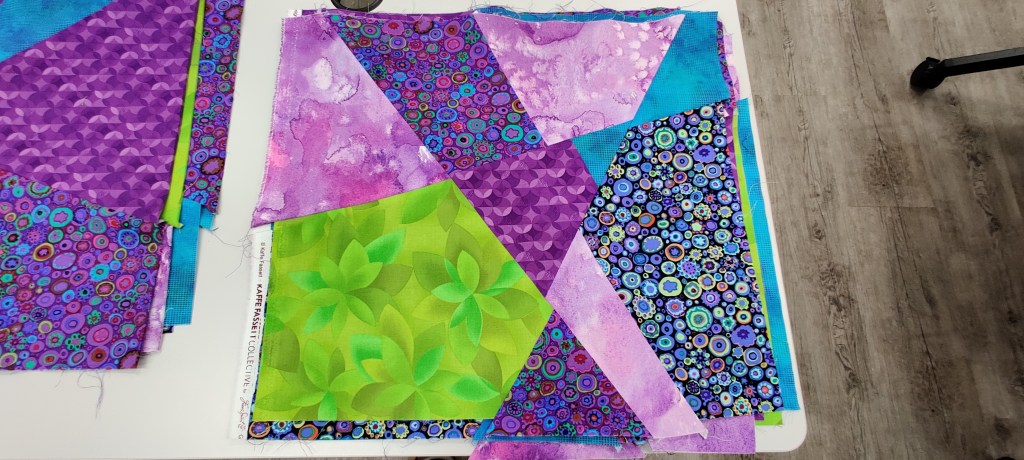
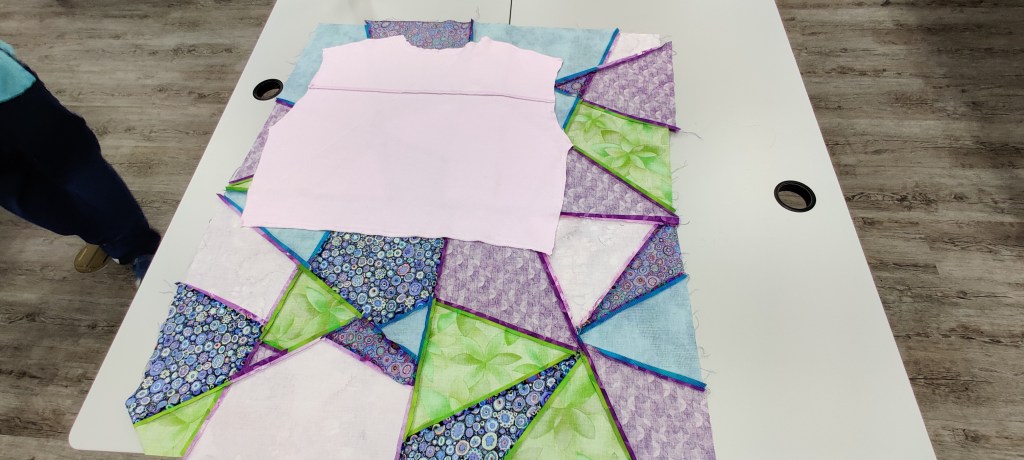
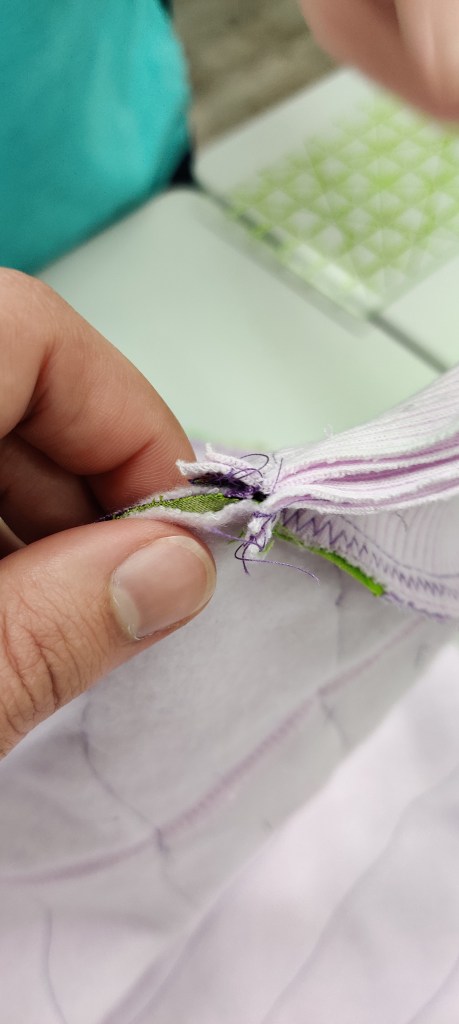
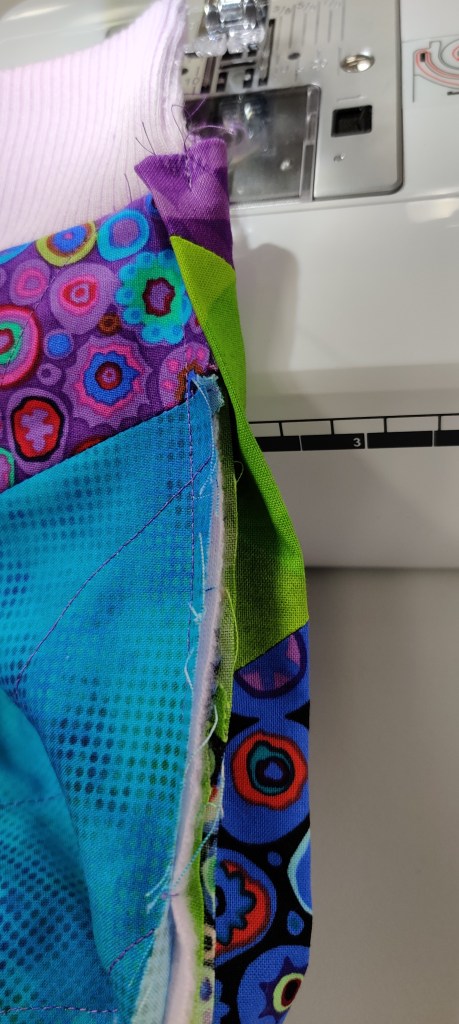
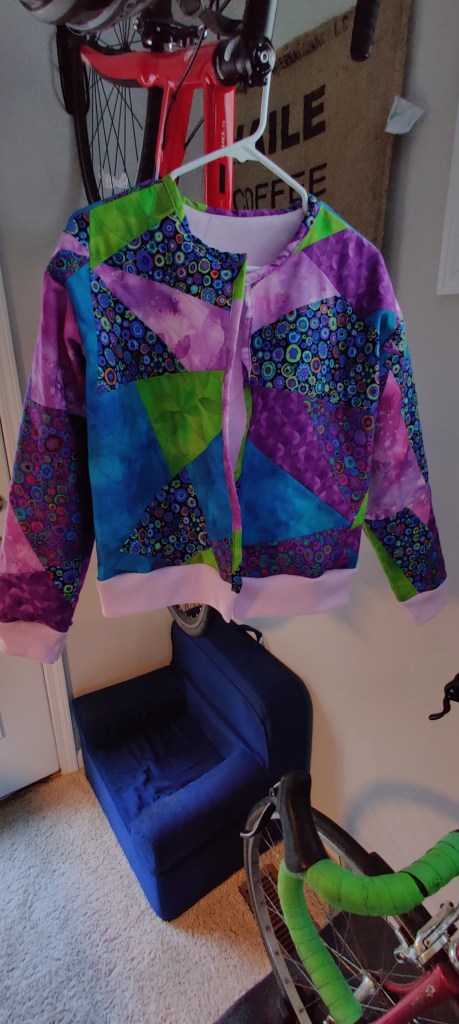
Quilted Jacket

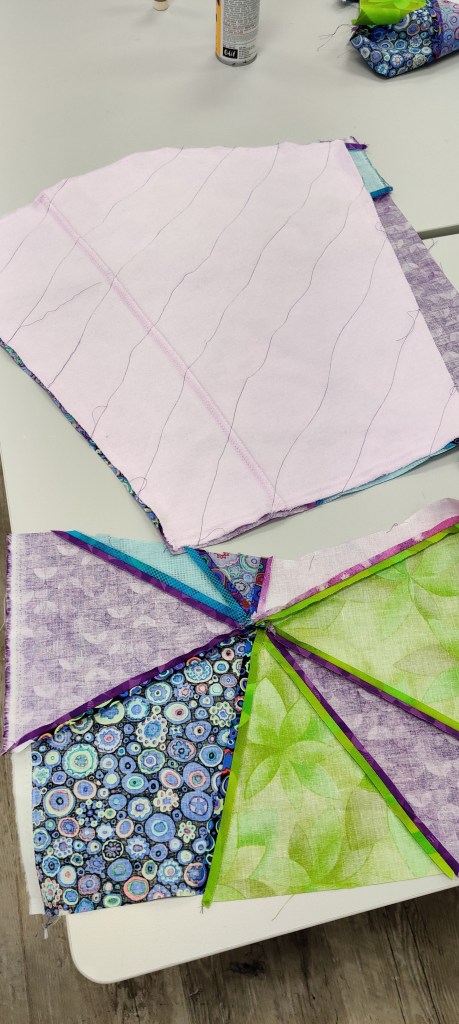
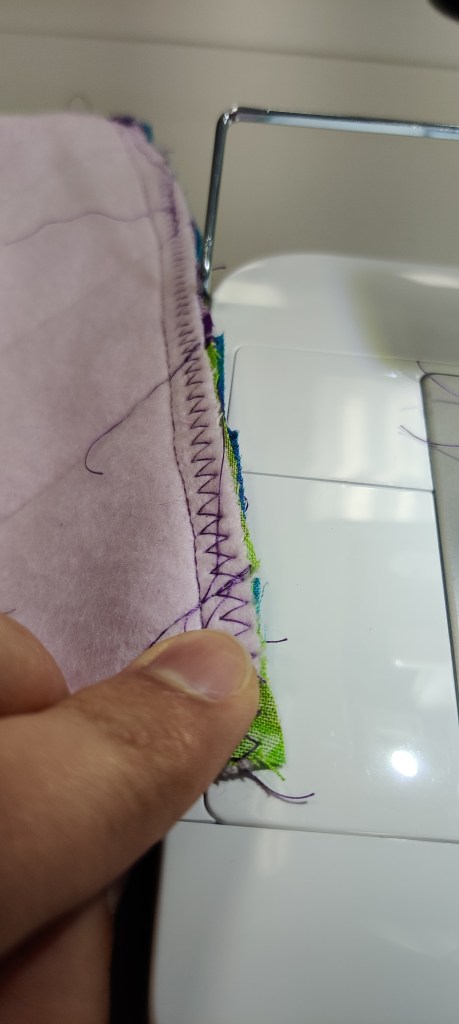
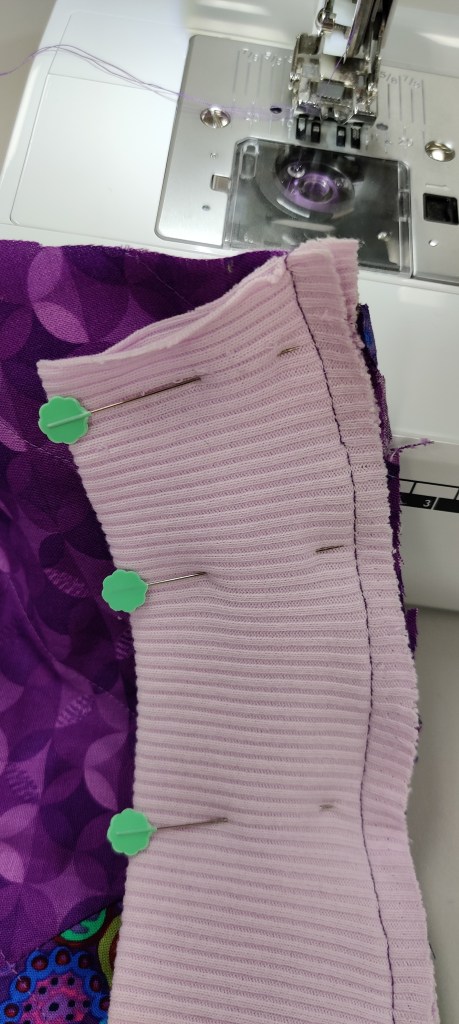
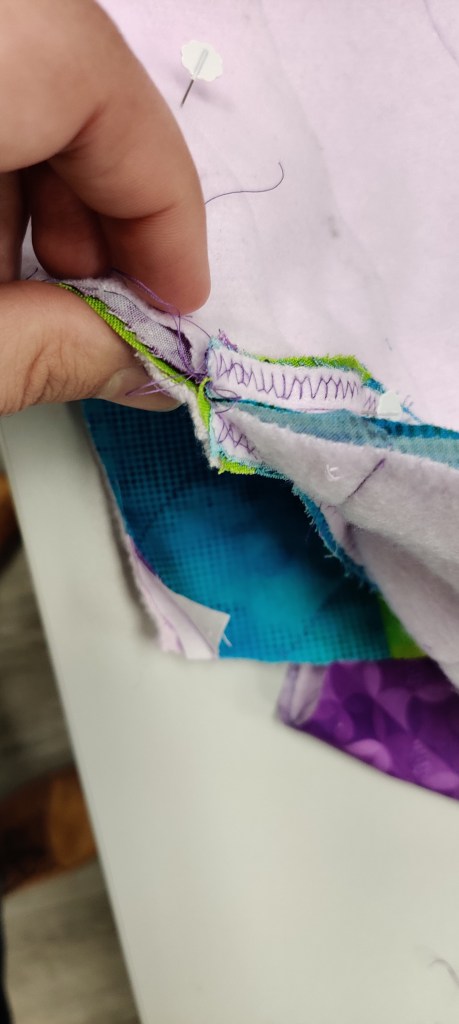
My grandmother was a huge influence on who I am and made every single one of her grandchildren a quilted blanket before she passed from Alzheimer’s. Sadly, I was not able to make the time until this past year to finally make space for it and step up to the challenge of taking on that family practice. This is my very first piece and learned a ton, so it was incredibly fun to make. This one will be going to my aunt who was the primary caretaker for my grandmother while I was deployed overseas. I’ll be posted tips and insights that I gained later after finishing up some other work. It’s one thing to watch someone make something and appreciate it, but a whole other level to try and actually do it, make mistakes, and get frustrated to really appreciate how much love and effort goes into these projects.

CSU Rocket Team 2020

For my senior capstone project in school I work on the controls and payload team for our Intercollegiate Rocket Engineering Challenge team for CSU, which is a part of the Spaceport America Cup in Arizona. Primarily our contributions were making a new electronics bay, which includes GPS tracking, flight controllers, flight computers, battery control modules, various 3D prints for mounting, and other pieces. I also developed our 360 degree payload system which will ultimately record our rocket’s descent from 30,000ft apogee.

It was a massive undertaking and still ongoing, so until the final launch is complete I’ll just link to the site I created for it independently which has our team summary, and loads of pictures in the gallery.

IREC Website main page

Flexionator 3000: A super lightweight, low-cost, and simple solution for physical therapy recovery tracking and aid.

Click here for a succinct ppt intro with pictures.

When someone is injured, often Physical Therapy (PT) is used to aid them in recovering to normal functionality. PT success is largely dependent on patient engagement and tracking data on the recovery process for range of motion and strength factors. Current solutions for tracking this progress are extremely expensive, bulky, heavy, and technically complicated. So after being approached by a PT, I set out to develop an inexpensive and small device that could provide clinicians with a tracking and feedback at a severe fraction of the cost AND ability to modify to their patient needs.

From this ($200,000+) kjhdafkjha ha j—-> jhadsk to this (~$50)

—->

Future goals for this project are to make it a totally wireless solution using Arduino IoT boards, and further development of the device structure to make it more viable for consumer integrations.

To recreate this project you’ll need these materials, and the code linked in github at the bottom: Arduino micro (this will be upgraded later to IoT), flex resistor, lead wires or soldered, breadboard if you prefer, and a resistor to make a voltage divider (I used a 47k Ohm).

Link to technical document for detailed medical info

Link to work and test logs

Fun demo of voltage divider using everycircuit app

Link to Github for code

DIY speakers // Electromagnetics lesson

For out most recent outreach project I created a lesson plan for building a basic speaker out of mostly common household items. I wanted to make a demo about electromagnetics that was a highly kinetic and took away the “black magic” feeling of this one part of Electrical Engineering.

I decided to use speakers to explore this concept, as music is a universal human experience that makes translation easy. This also gives us an opportunity to touch upon signals (ElectroMagnetic Spectrum) concepts, specifically Fourier transforms, which seem to be a very confusing topic to people.

For this particular project I will just be linking to the lesson plan as it has already been formatted and has all the graphics and such built in. Lesson Plan